
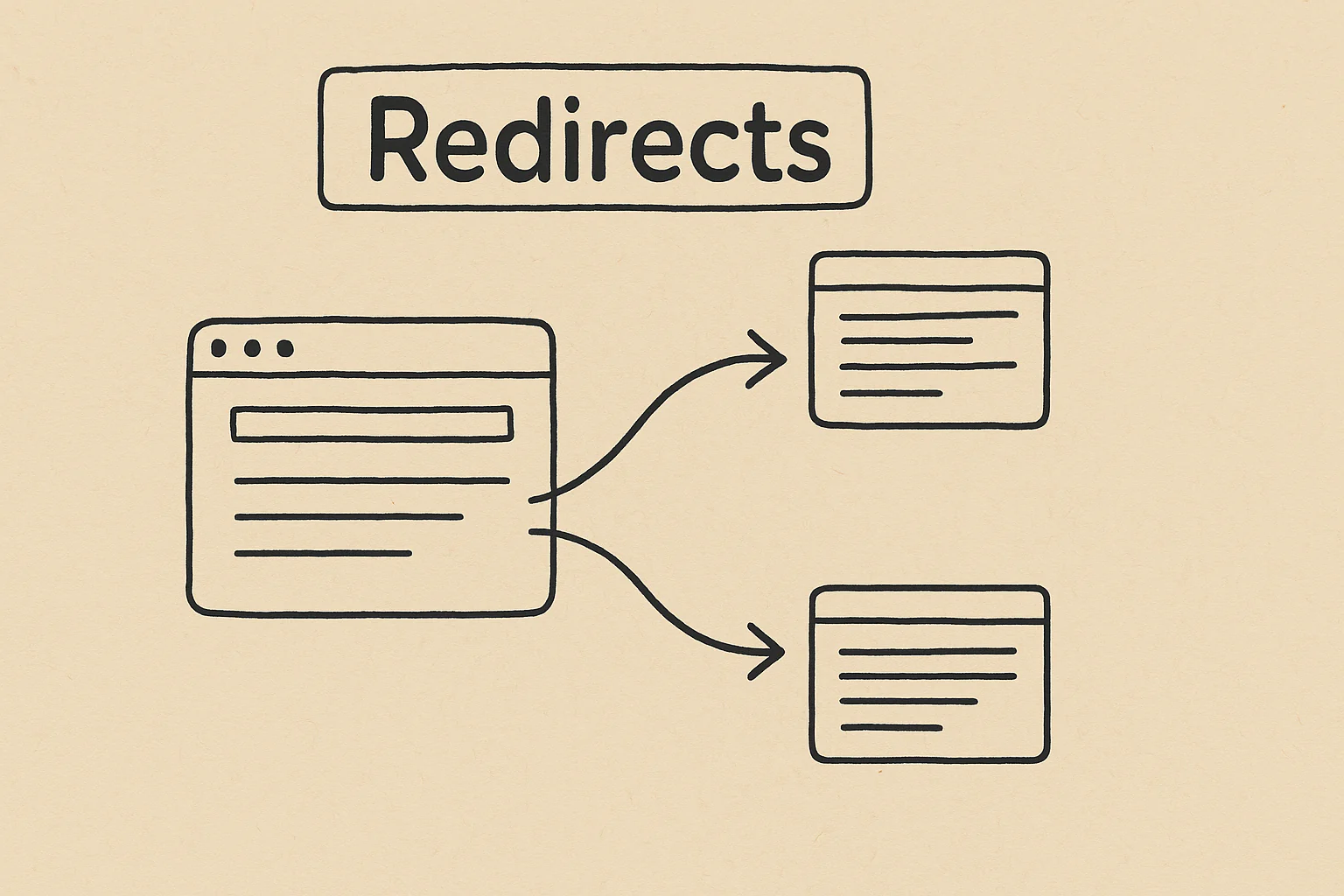
A redirect is an automatic redirect from one URL to another. Redirects are used when a website structure is changed, content is merged or outdated pages are removed so that visitors are automatically routed to the appropriate page instead.
Types of Redirects
- 301 RedirectIndicates that a page has been moved permanently and transfers almost all of the SEO value (“Link Juice”) from the old URL to the new one. It is the appropriate choice for permanent removals.
- 302 Redirect: Stands for a temporary redirect, such as when a page is temporarily offline. It does not transmit permanent link juice.
- 307 RedirectWorks similarly to the 302 Redirect, but is specially designed for HTTP 1.1 and also only suitable for temporary redirects.
- Meta Refresh Redirect: Takes place at page level and redirects visitors after a few seconds; from the SEO point of view, it is less recommended.
Importance of SEO
A correctly used redirect – especially the 301 redirect – protects rankings and prevents error messages for visitors. It gets most of the SEO power on the new URL, improves the user experience and prevents duplicate content.
Establishment and best practices
Redirects can be technically configured via the htaccess file of the web server; on WordPress websites, plugins such as Redirection make it easier to set up and manage without in-depth technical knowledge. After setup, internal links should be updated to the new URL and redirects checked regularly, for example with Google Search Console or Screaming Frog. Redirect chains and loops should be avoided as they slow down the page or lead to errors.